I love the beach. I really miss that we couldn't take off for Mexico this year. So, seems that all I think is of the beach so when I saw this Nautical Kit called Secret of the Sea which can be downloaded here (it's a freebie right now but not sure for how much longer)
Credits go to Scrappers at these sites http://nola-shainy.blogspot.com/
http://lescrapdepetitefleur.blogspot.com/
I think there might be more as it's a collab kit but it's all in French so not sure if I'm missing any creators.
The rope border is a kit called Cosmos by Akizo. It's a Japanese site and this one is really all Japanese to me. Not a clue what is being said there but this Akizo is one talented creator. Here is the site called http://digital-scrapbooking-japan.blogspot.com/
Showing posts with label blog backgrounds-headers. Show all posts
Showing posts with label blog backgrounds-headers. Show all posts
Tuesday, February 24, 2009

Tuesday, January 13, 2009
How to Add a New Blog Header
1. Save your new blog header to your hard-drive.
2. Sign in to your blogger account
3. Click on Layout and now you're at Add and Arrange Page Elements
Or if you are signed in then just click on Customize
4. Click on the Edit button next to your blog name
5. And you will go to a window .Check off Placement---behind title and description, if your new blog header does not contain your own added text of your blog's name.
If you have edited your new blog header and added text to it then on placement choose this option---instead of title or description.
6. Next,browse for the image and save the changes after the image has uploaded.
7. Also don't forget to Save Page elements. This is located on the top right corner where it says Preview, Clear Edits and Save. Click Save
2. Sign in to your blogger account
3. Click on Layout and now you're at Add and Arrange Page Elements
Or if you are signed in then just click on Customize
4. Click on the Edit button next to your blog name
5. And you will go to a window .Check off Placement---behind title and description, if your new blog header does not contain your own added text of your blog's name.
If you have edited your new blog header and added text to it then on placement choose this option---instead of title or description.
6. Next,browse for the image and save the changes after the image has uploaded.
7. Also don't forget to Save Page elements. This is located on the top right corner where it says Preview, Clear Edits and Save. Click Save
How to Add a New Blog Background
BACKGROUNDS INSTRUCTIONS...
1-Log into to your blog and click on 'customize'
2-In the 'Pick New Template' tab, you must change your template to 'minima' (not minima ochre or others, just plain white minima)
3-Click on 'edit html' on the far right
4- In the code, scroll to where you see this:
body {background:$bgcolor;margin:0; color:$textcolor; font:x-small Georgia Serif; font-size/* */:/**/small; font-size: /**/small; text-align: center;}
5-Change that part of the code to say this:
body {background:$bgcolor;background-image:url(direct link);background-position: center; background-repeat:no-repeat; background-attachment: fixed;margin:0; color:$textcolor; font:x-small Georgia Serif; font-size/* */:/**/small; font-size: /**/small; text-align: center;}
6-Find the blog background you like, and copy and paste the link below it between the parenthesis where it says '(direct link)'
7-Please give credit to the blogger background or blogbheader creator for their work.
Lots of pretty blog backgrounds here
http://alliebrownslayouts.blogspot.com/
and here
http://shelsscraps.blogspot.com/
1-Log into to your blog and click on 'customize'
2-In the 'Pick New Template' tab, you must change your template to 'minima' (not minima ochre or others, just plain white minima)
3-Click on 'edit html' on the far right
4- In the code, scroll to where you see this:
body {background:$bgcolor;margin:0; color:$textcolor; font:x-small Georgia Serif; font-size/* */:/**/small; font-size: /**/small; text-align: center;}
5-Change that part of the code to say this:
body {background:$bgcolor;background-image:url(direct link);background-position: center; background-repeat:no-repeat; background-attachment: fixed;margin:0; color:$textcolor; font:x-small Georgia Serif; font-size/* */:/**/small; font-size: /**/small; text-align: center;}
6-Find the blog background you like, and copy and paste the link below it between the parenthesis where it says '(direct link)'
7-Please give credit to the blogger background or blogbheader creator for their work.
Lots of pretty blog backgrounds here
http://alliebrownslayouts.blogspot.com/
and here
http://shelsscraps.blogspot.com/
New Blog Background
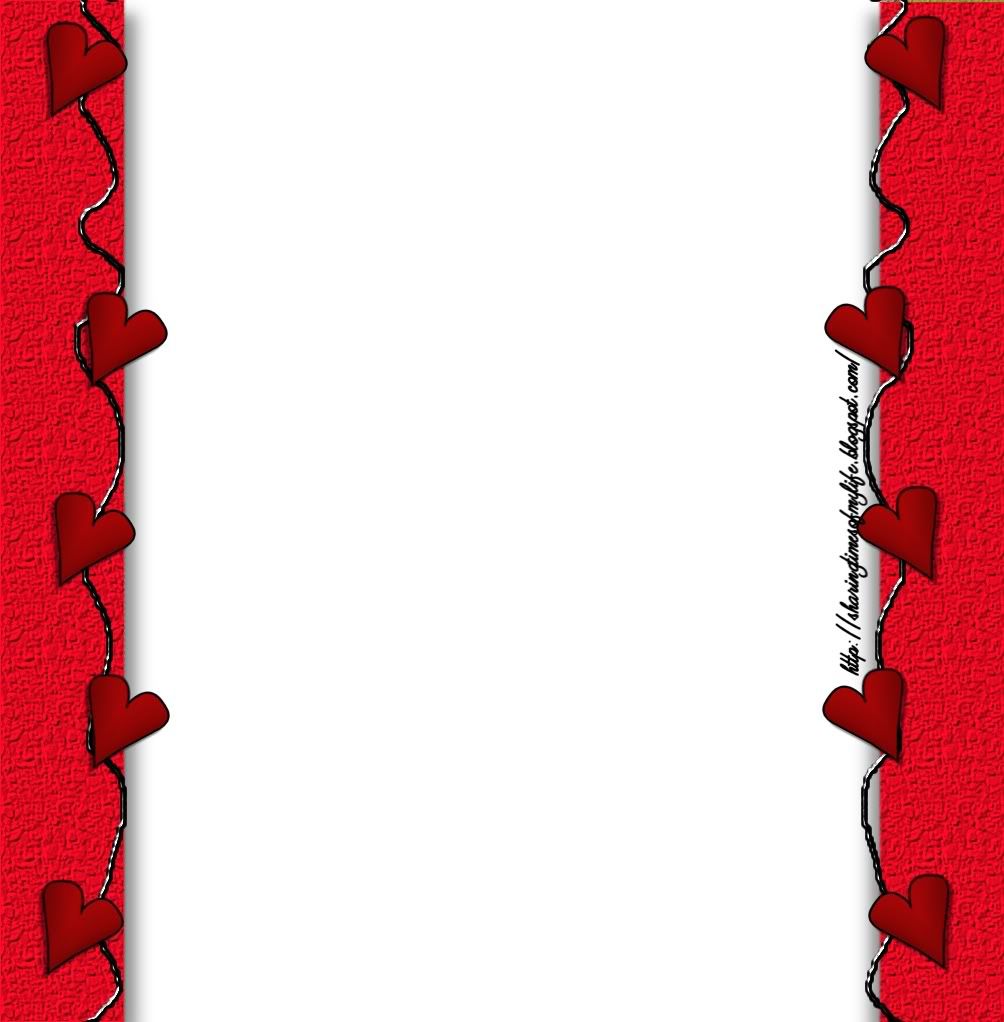
Last night I did have fun creating my own blog background but it wasn't so cute. This afternoon hubby is working and the kids are in school so I opened up my paintshop pro and made myself a new one.
This one is cuter. The crinkled whitish background paper is from Designz by Kristi
The hearts and squiggles are from Doodles by Lori
Here's what the old one looked like

Full size of this blog header available here

Full size of this blog background available here
My new header
.jpg)
Full size of this header is here
Here's the blog background which you can find the full size here
.jpg)
If you were to use any of these blog backgrounds I created, I sure would love to see it at your site. You can email me here to let me know where your site is. The blog background and header you can give me credit here please...
http://sharingtimesofmylife.blogspot.com/
This one is cuter. The crinkled whitish background paper is from Designz by Kristi
The hearts and squiggles are from Doodles by Lori
Here's what the old one looked like

Full size of this blog header available here

Full size of this blog background available here
My new header
.jpg)
Full size of this header is here
Here's the blog background which you can find the full size here
.jpg)
If you were to use any of these blog backgrounds I created, I sure would love to see it at your site. You can email me here to let me know where your site is. The blog background and header you can give me credit here please...
http://sharingtimesofmylife.blogspot.com/
Monday, January 12, 2009
My First Blog Layout
I was looking for a blog layout that had just a solid white center. I didn't find one but then again, I didn't search too long. I thought I would fiddle around making one and nothing fancy. So, I opened up paintshop pro 7 (I normally use 12) and to my surprise psp 7 was all I needed. It's not a fancy blog background and not very pretty but I'm still tickled I was able to give it a shot. The heart doodles are from Doodles by Lori
My first blog layout is here
My first blog layout is here
Subscribe to:
Posts (Atom)
The Urso's
Friend's-Family Corner
..